Microsoft Teams Rooms & Zoom Rooms.

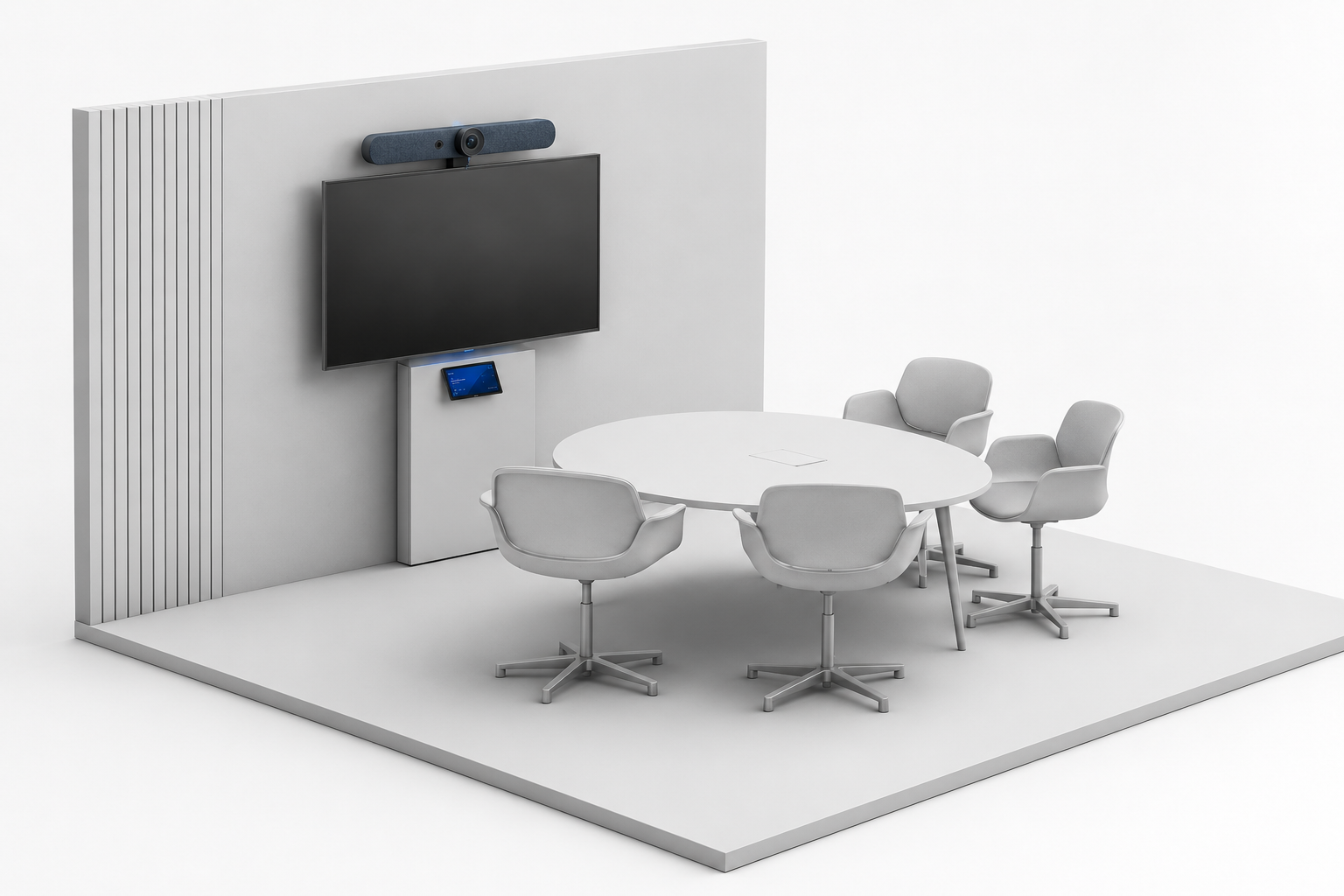
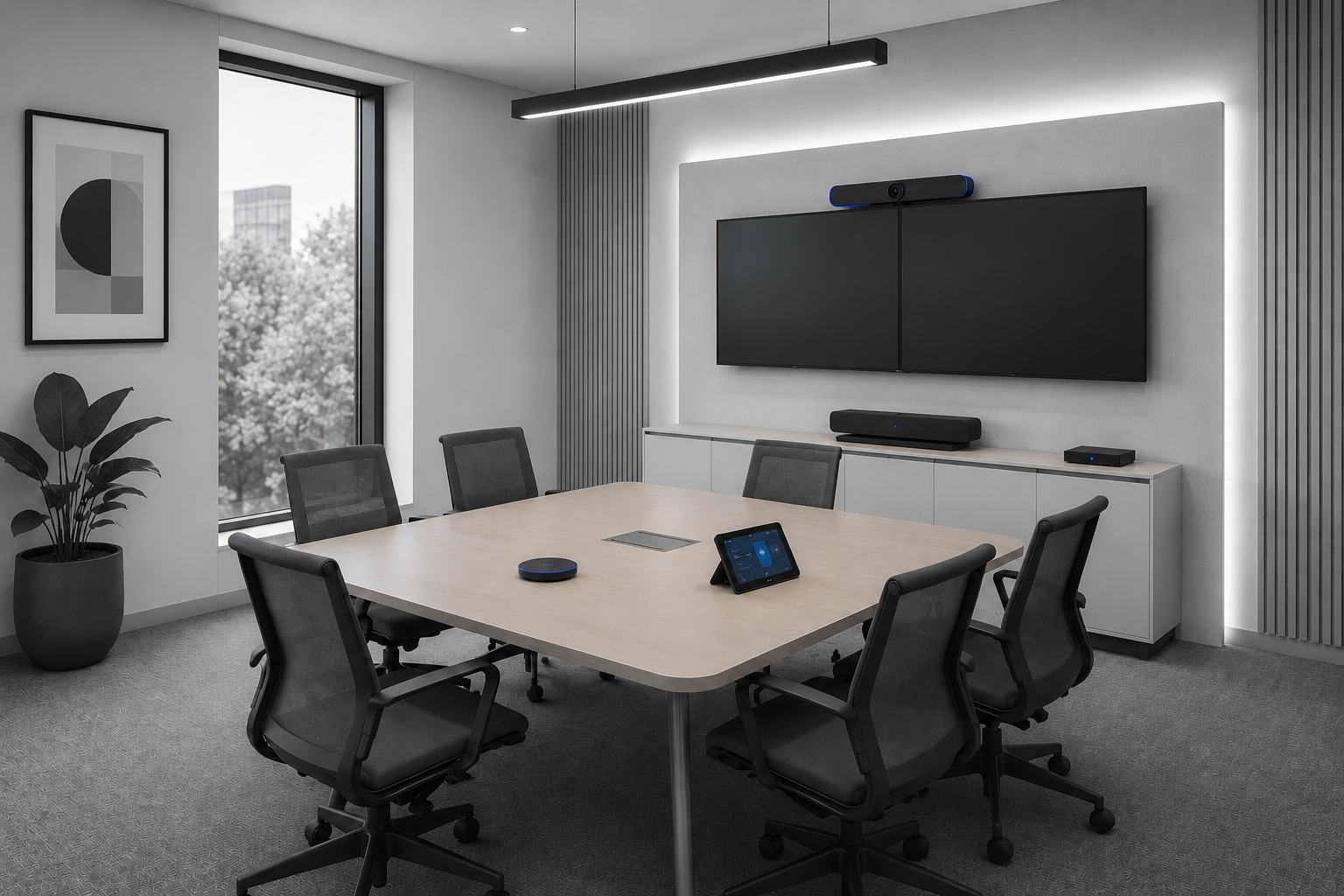
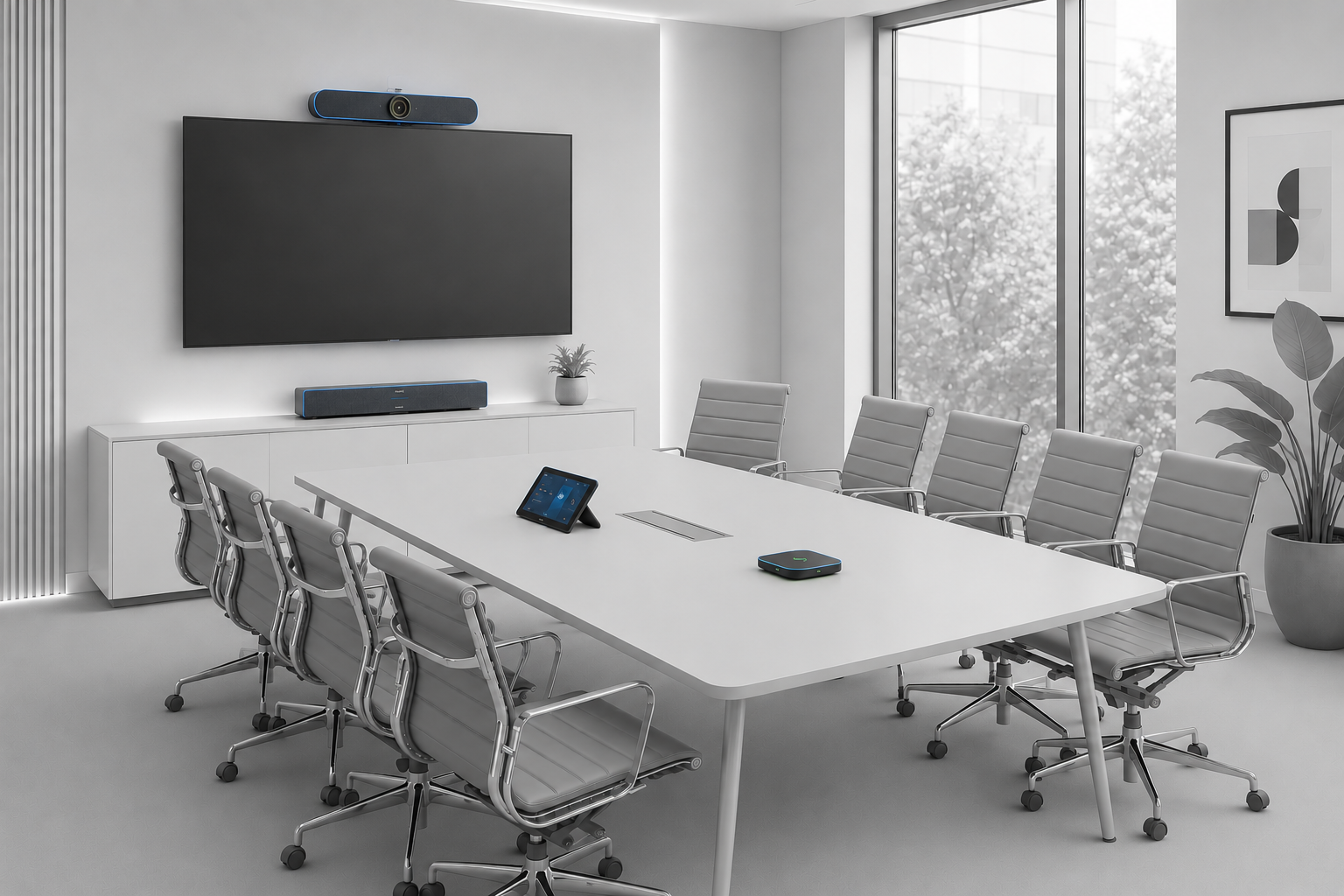
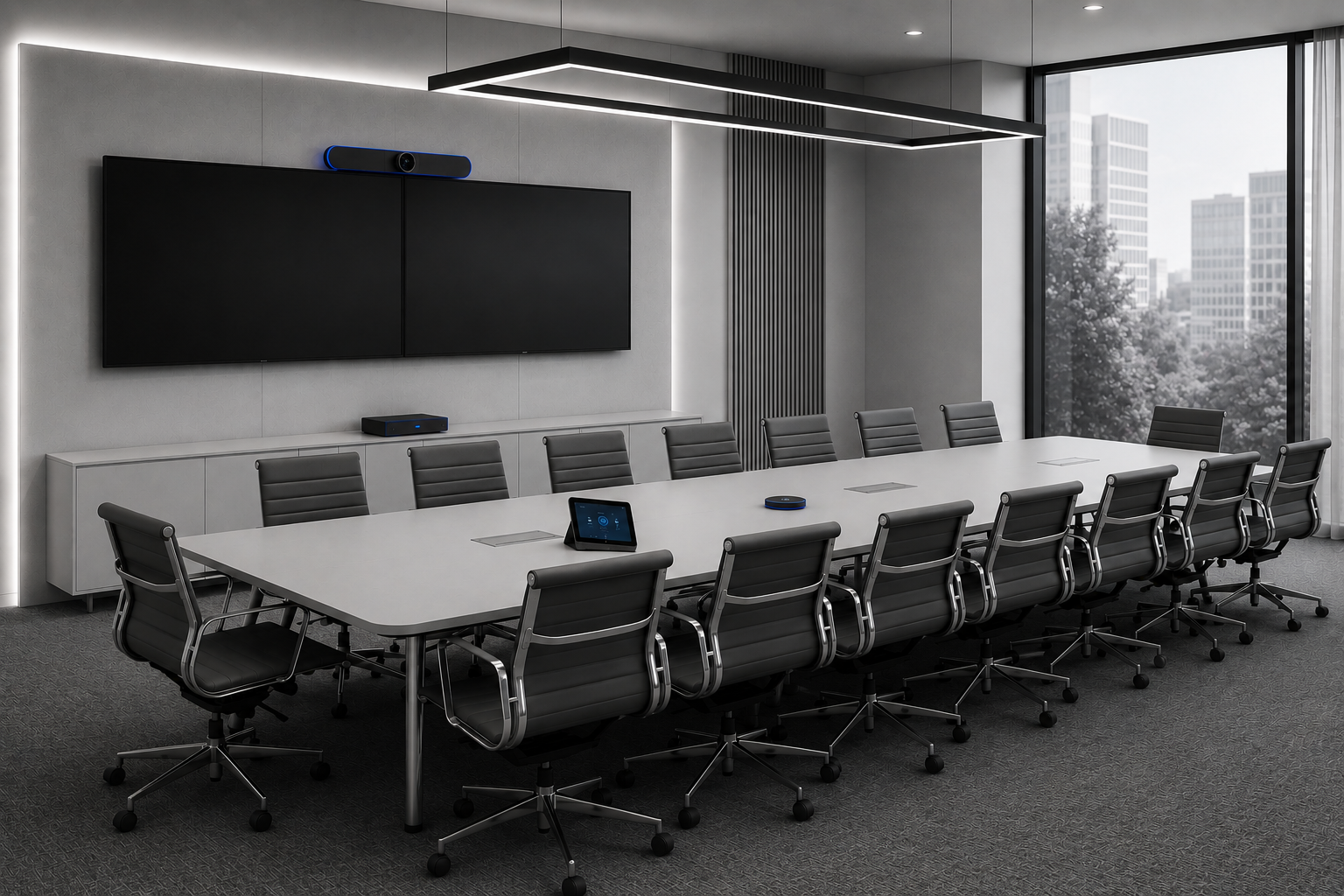
A certified Teams Room or Zoom Room isn't a TV and a webcam — it's a fixed hardware and software bundle certified by Microsoft or Zoom to run the native meeting client on dedicated compute. Technobriq designs, supplies and installs rooms from huddle spaces to full boardrooms across Qatar's offices, government and education sectors.
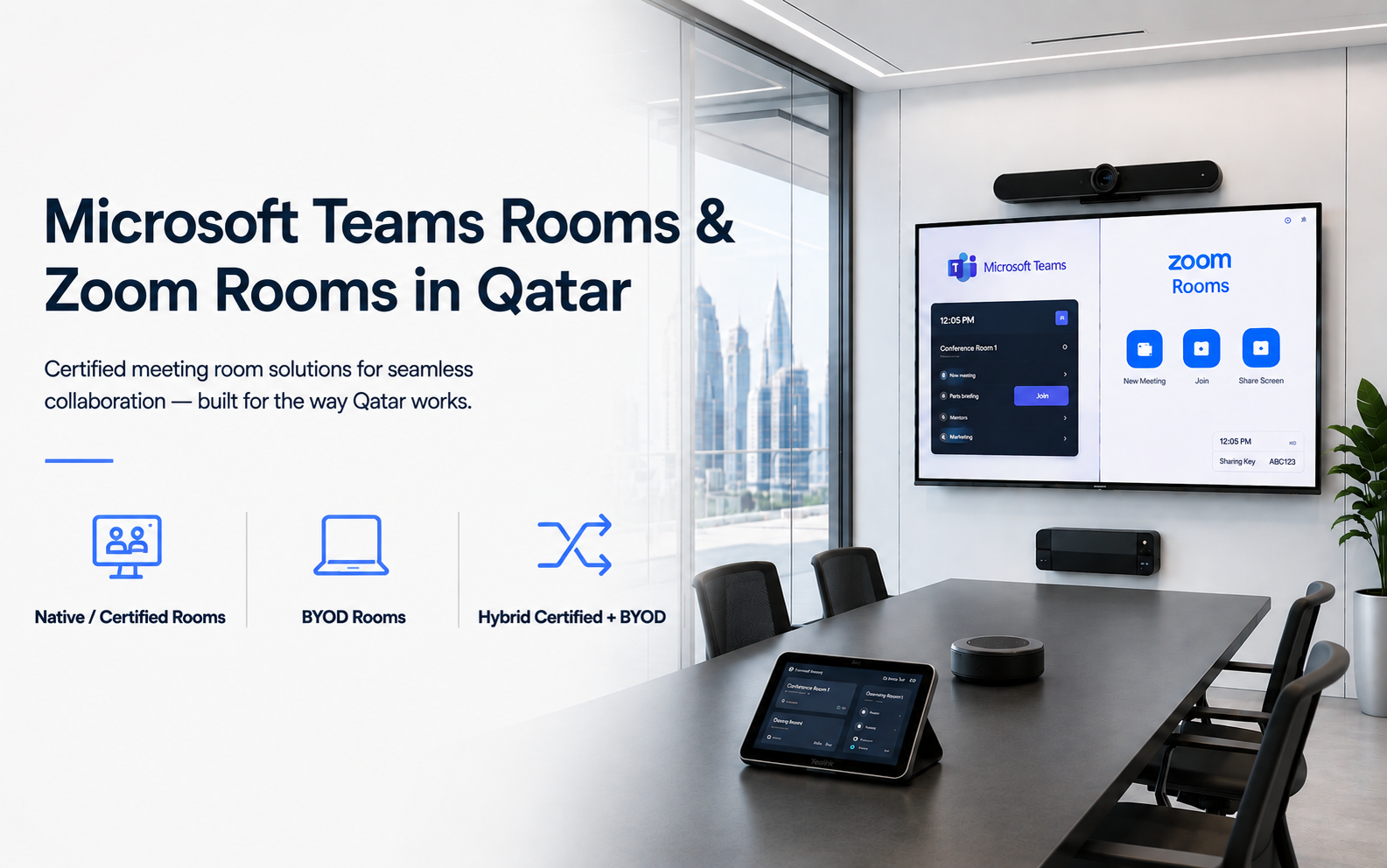
Meeting rooms collaboration
The Distinction

Native, Certified & BYOD — What's the Difference?

The distinction matters when you're scoping a room: it decides whether meetings start with one tap or a scramble for the right cable, and whether Microsoft or Zoom will actually support the hardware if something goes wrong.

Native / certified rooms
A dedicated compute unit — Windows-based for Teams, Android-based for Zoom Rooms Appliances — runs the meeting software directly. No laptop needed. This is what Microsoft and Zoom actually certify and support.
BYOD (Bring Your Own Device)
Camera, mic and speaker connect via USB or a wireless link to a laptop, with no dedicated compute. Cheaper and more flexible across platforms, but no one-touch join and less reliable performance.
Hybrid certified + BYOD switch —
Increasingly common in Qatar's multi-tenant office towers — the tenant company standardizes on Teams, but visiting consultants can still plug in a personal laptop running Zoom or Google Meet.
Certified partners for Microsoft Teams & Zoom
dministrative Control and Transparency Authority (Qatar)Qatar Investment AuthorityNaufarBarzan University College

Questions?

We’re glad you asked.

Teams Rooms vs Zoom Rooms — can one room support both?

Yes — via dual-platform certified devices (Poly, Yealink and Neat all support both) or a BYOD fallback for laptops running the other platform. We help you decide based on how your teams actually work day to day.

What's the licensing difference between Teams Rooms and Zoom Rooms?

Microsoft Teams Rooms requires a Teams Rooms license per device, separate from user M365 licensing. Zoom Rooms needs a Zoom Rooms license plus a Zoom Room Controller license. We help you budget for this correctly before procurement, not after.

What network setup does a certified room actually need?

Roughly 2–4 Mbps per HD video stream, PoE for cameras and mic arrays, and ideally a dedicated VLAN. We scope your network requirements upfront so installation day doesn't surface surprises.

Can a visiting consultant use a laptop on a different platform in our room?

Yes — most of our certified rooms include a BYOD or HDMI fallback alongside the native certified system, so a visitor running Zoom or Google Meet can still connect even if your organisation standardises on Teams.

Ready for meeting rooms that just work?

From a single huddle room to a full boardroom rollout — let's talk about the right Teams Rooms or Zoom Rooms setup for your space.