Why Your Office AV Setup Is Hurting Your Team's Productivity
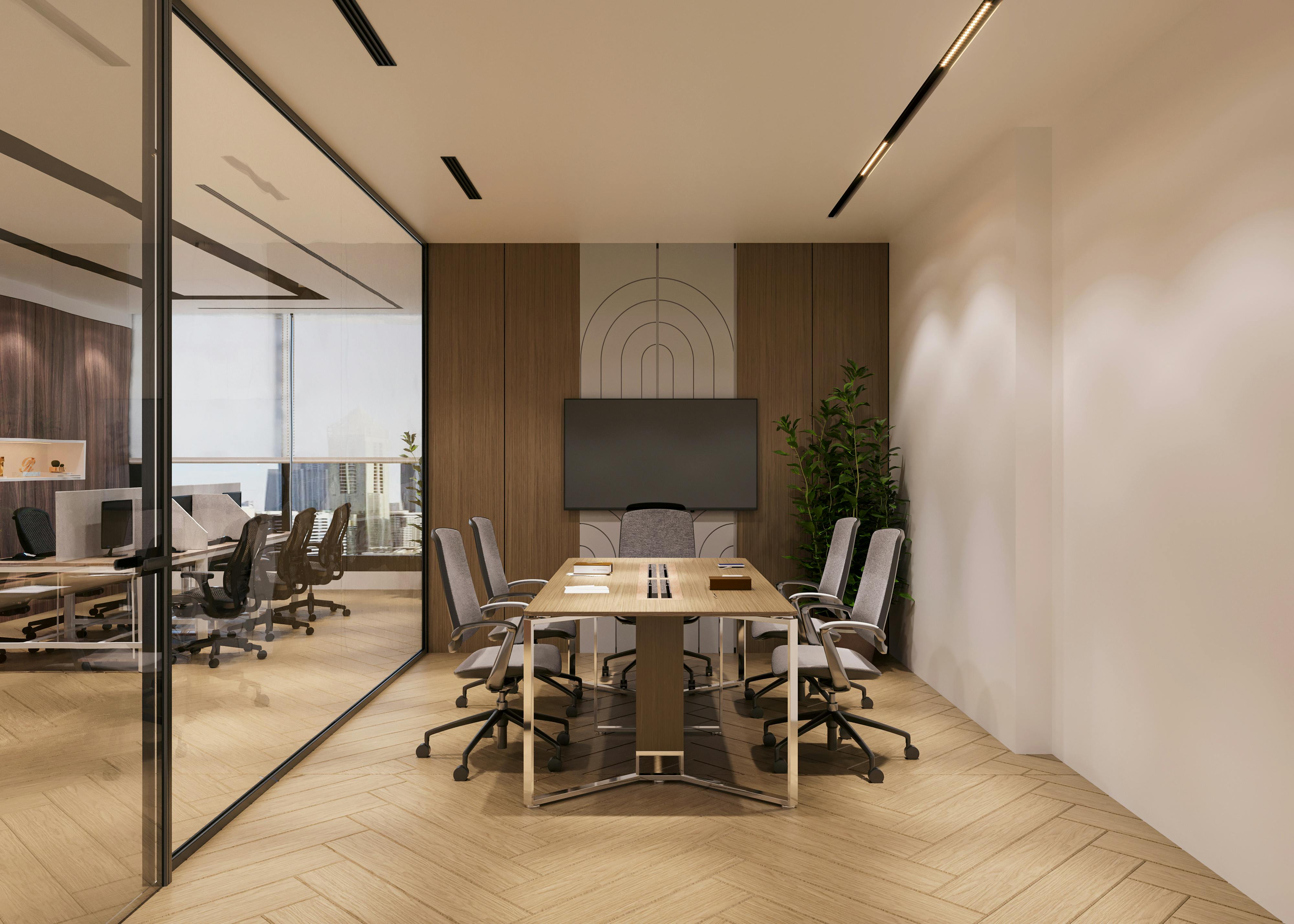
The Hidden Productivity Tax of Bad AV
Every business in Qatar has been there. The client is on a video call. The screen won't connect. Someone's fumbling with HDMI cables. The conference room audio makes remote participants sound like they're underwater. Ten minutes of your meeting are gone before it starts.
This isn't just an inconvenience — it's a quantifiable cost. Research consistently shows that poorly functioning meeting room technology wastes 15–20 minutes per meeting. In a company holding 20 meetings per day, that's 400+ minutes of lost productivity — daily.
Signs Your Office AV Setup Is Hurting You
- Meetings regularly start late because of connection or display issues.
- Remote participants complain they can't hear clearly or see the presentation.
- Your team uses personal laptops on video calls instead of the room system.
- There are multiple remote controls, cables, and adapters that nobody fully understands.
- The display resolution makes presentations look blurry or text hard to read.
- Your meeting rooms have no acoustic treatment — every sound echoes.
What a Modern Office AV Setup Should Include
One-Touch Meeting Start
A well-designed meeting room should start with one button press. No cable hunting, no source switching confusion. Systems like Crestron, Extron, or QSC control platforms make this possible for rooms of any size.
Professional Display
Consumer TVs are not designed for business use. Commercial displays offer higher brightness, longer operational life, and HDMI/USB-C connectivity for modern laptops.
Ceiling Microphone Arrays
A good quality ceiling mic picks up voices clearly from anywhere in the room. Beamforming microphones (Shure, Biamp, Yamaha) focus on active speakers and suppress background noise.
Video Conferencing Integration
A dedicated camera at the correct height and angle makes a material difference to how remote participants experience your meetings. Combined with quality audio, this creates genuine professional presence.
Wireless Presentation
BYOD (Bring Your Own Device) is now standard. Wireless presentation systems allow anyone to share their screen instantly without cables or installed software.
Common Mistakes in Office AV Design
- Buying consumer AV products for a commercial environment — they fail faster and underperform.
- No acoustic treatment — even the best microphone will produce poor audio in a reverberant room.
- Incorrect display sizing — a 65-inch screen in a 12-person boardroom is too small for the back row.
- No system control — multiple independent devices with no integration creates complexity, not simplicity.
- Installing AV after the room is finished — conduit, cable routes, and acoustic panels should be designed into the fit-out.
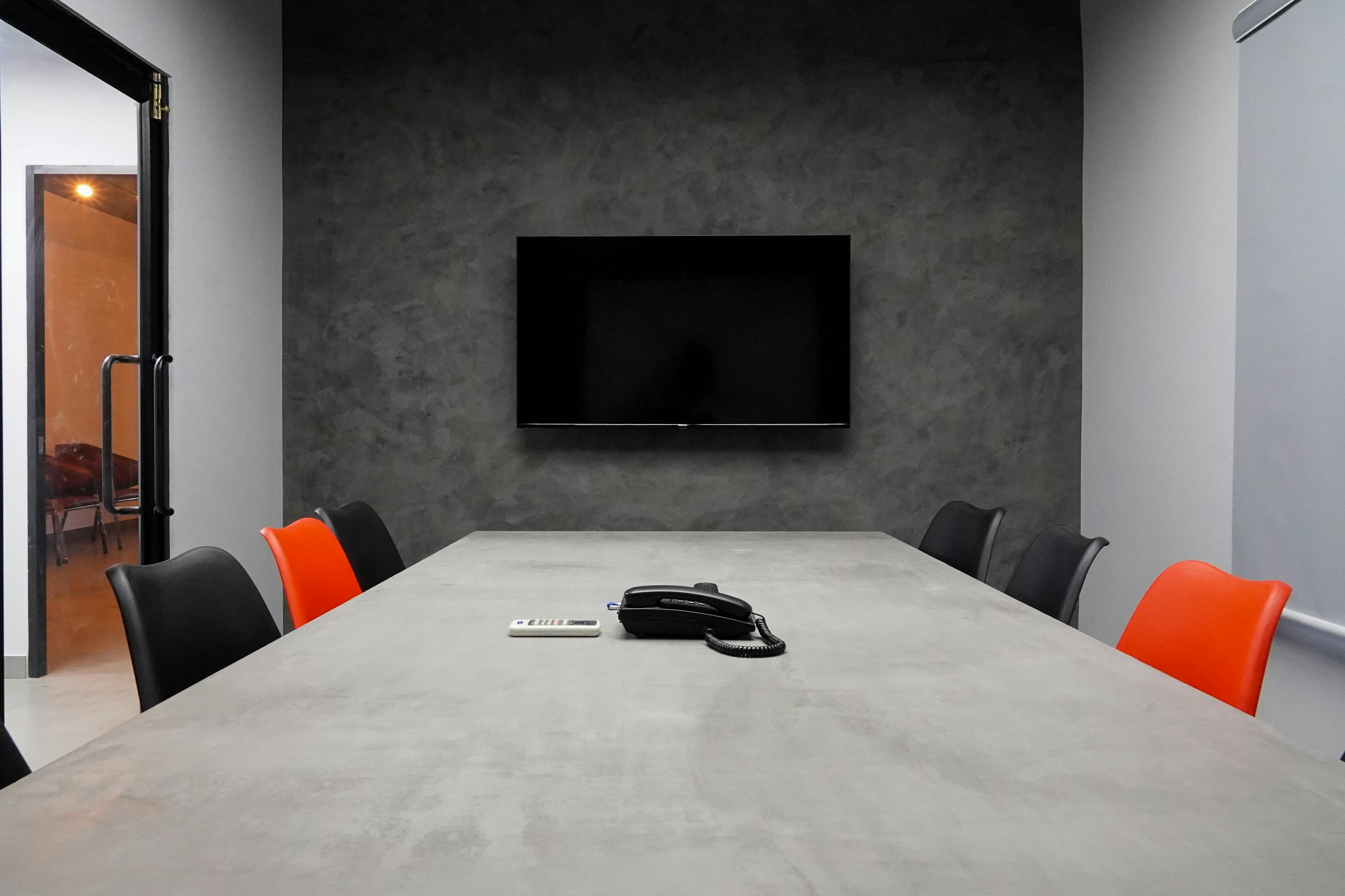
How Technobriq Upgrades Office AV
Technobriq designs and installs professional AV solutions for corporate offices, boardrooms, huddle spaces, and training rooms across Qatar and the UAE. Our approach starts with understanding how your team works — then designing a system that makes collaboration effortless.
We work with leading brands including Crestron, QSC, Shure, Logitech, and Samsung, and provide full commissioning, user training, and AMC support so your systems stay performing from day one.
Frequently Asked Questions
Q: How much does a professional meeting room AV upgrade cost?
A: A huddle room (4–6 person) AV upgrade typically ranges from QAR 15,000–35,000. A full boardroom solution can range from QAR 60,000–150,000+.
Q: How long does a meeting room AV installation take?
A: Most single-room installations are completed in 1–2 days. Multi-room fit-outs are phased to minimise business disruption.
Q: Can we keep our existing screens and just upgrade the audio and conferencing?
A: Yes. Technobriq can work with existing display infrastructure and integrate professional audio and video conferencing systems around it.
Q: What platforms does Technobriq's AV work with?
A: Our systems integrate with Microsoft Teams, Zoom, Google Meet, Webex, and other major platforms.
Q: Does Technobriq provide ongoing support after installation?
A: Yes. All our AV installations include a defects liability period and optional AMC packages covering preventive maintenance, remote monitoring, and on-site response.
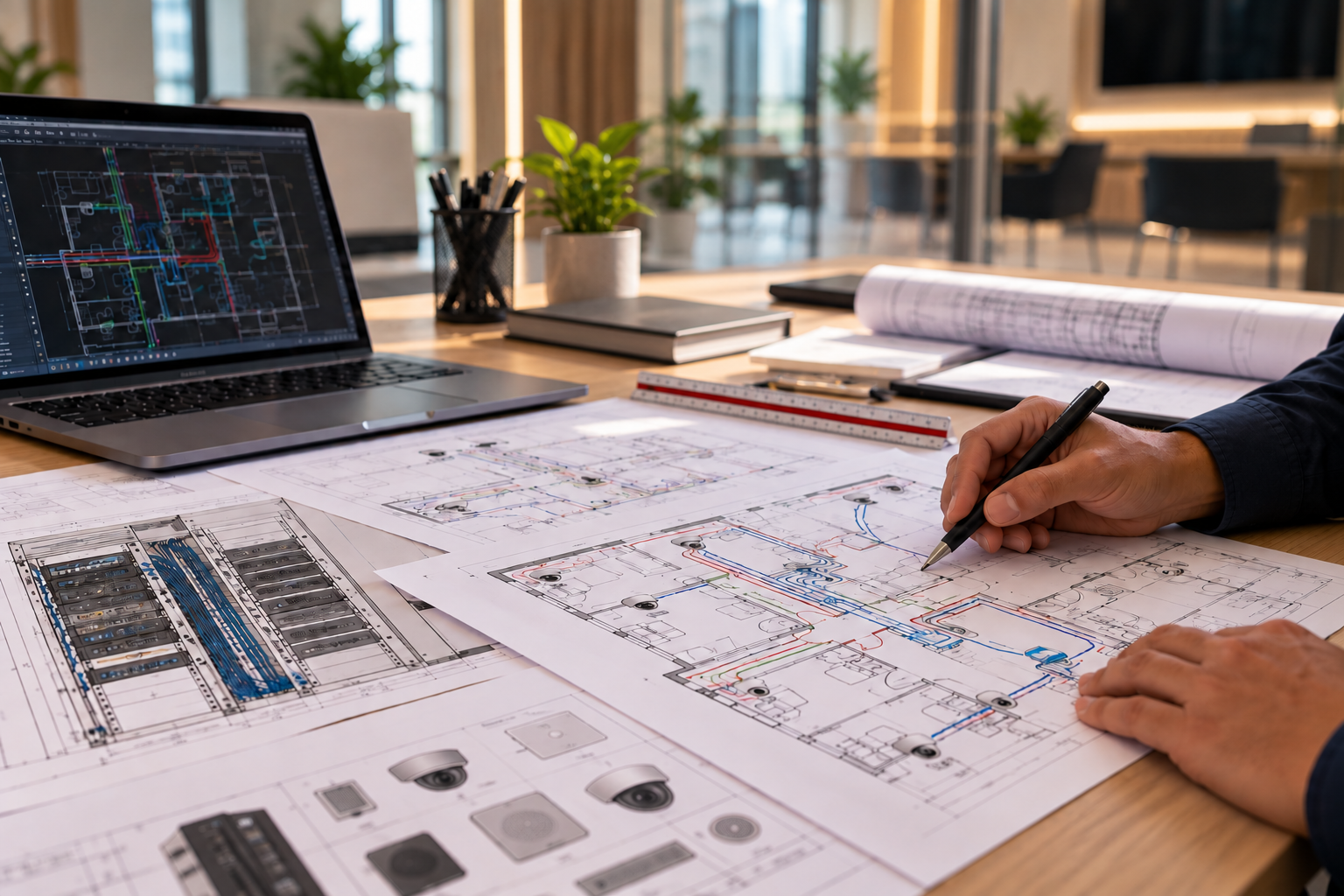
Let's make your space better.
Tell us about your project — we'll scope a complete solution.
