What Does a Meeting Room Solution Include? Qatar Buying Guide
What's Actually in a Meeting Room Solution?
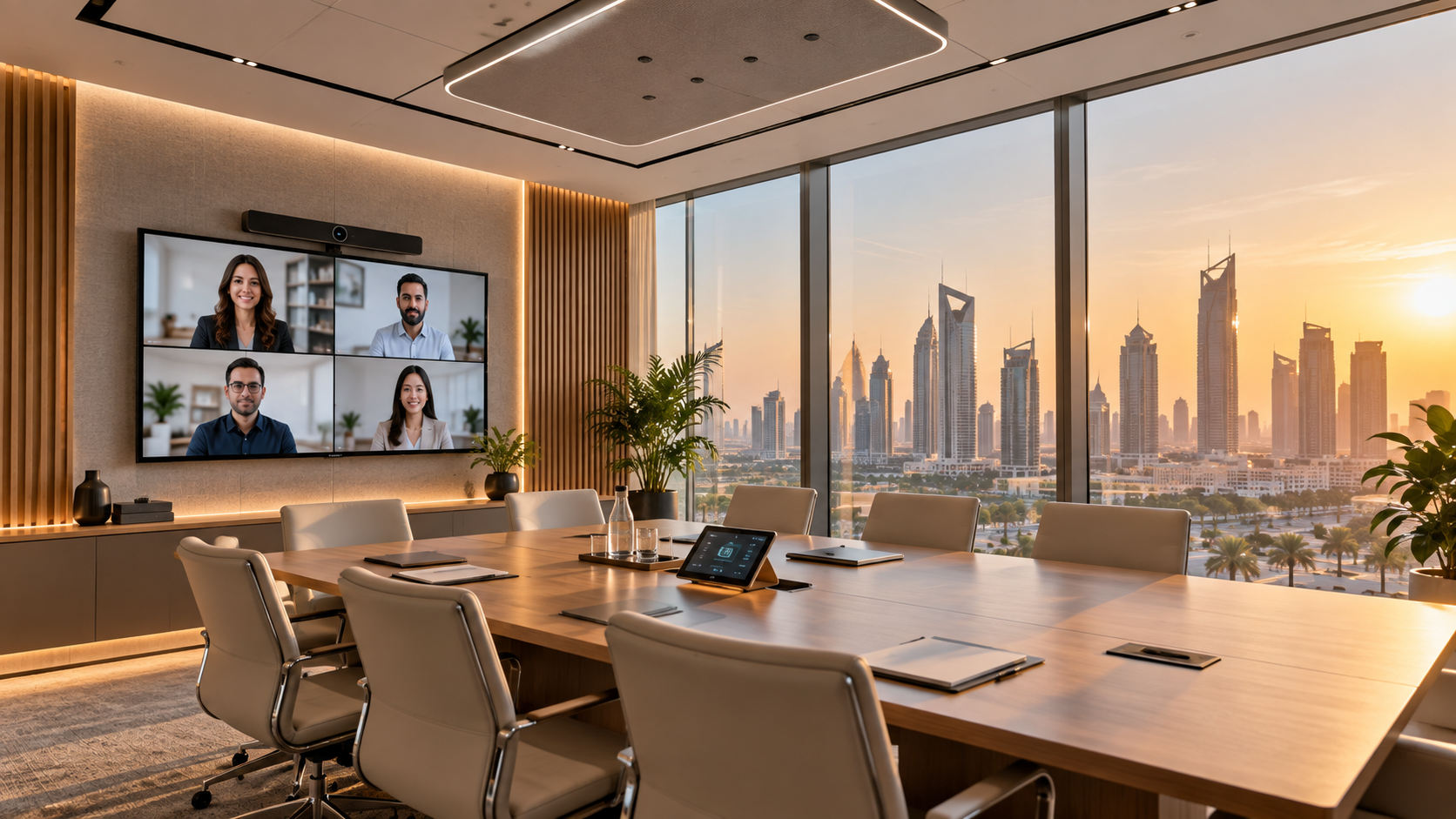
A modern meeting room solution is more than a screen and a speakerphone. It's a set of coordinated systems designed to make a room usable in seconds, for both in-person and remote participants — without an IT person in the room.
The Core Components
1. Video Conferencing
Camera, microphone and speaker systems certified for Microsoft Teams Rooms or Zoom Rooms, sized to the room — huddle spaces need different hardware than a 14-seat boardroom.
2. Displays
Single or dual-screen setups, sized and positioned for sightlines from every seat, with content-sharing capability for both wired and wireless input.
3. Room Control
A single touch panel to start meetings, control lighting/blinds, and switch inputs — removing the need to operate several separate remotes or apps.
4. Wireless Presentation
Cable-free content sharing from laptops and phones, critical for fast-turnover rooms and BYOD-heavy offices.
5. Acoustic Treatment and Audio Coverage
Ceiling or table microphones with proper pickup coverage, and acoustic treatment where glass walls or hard surfaces cause echo.
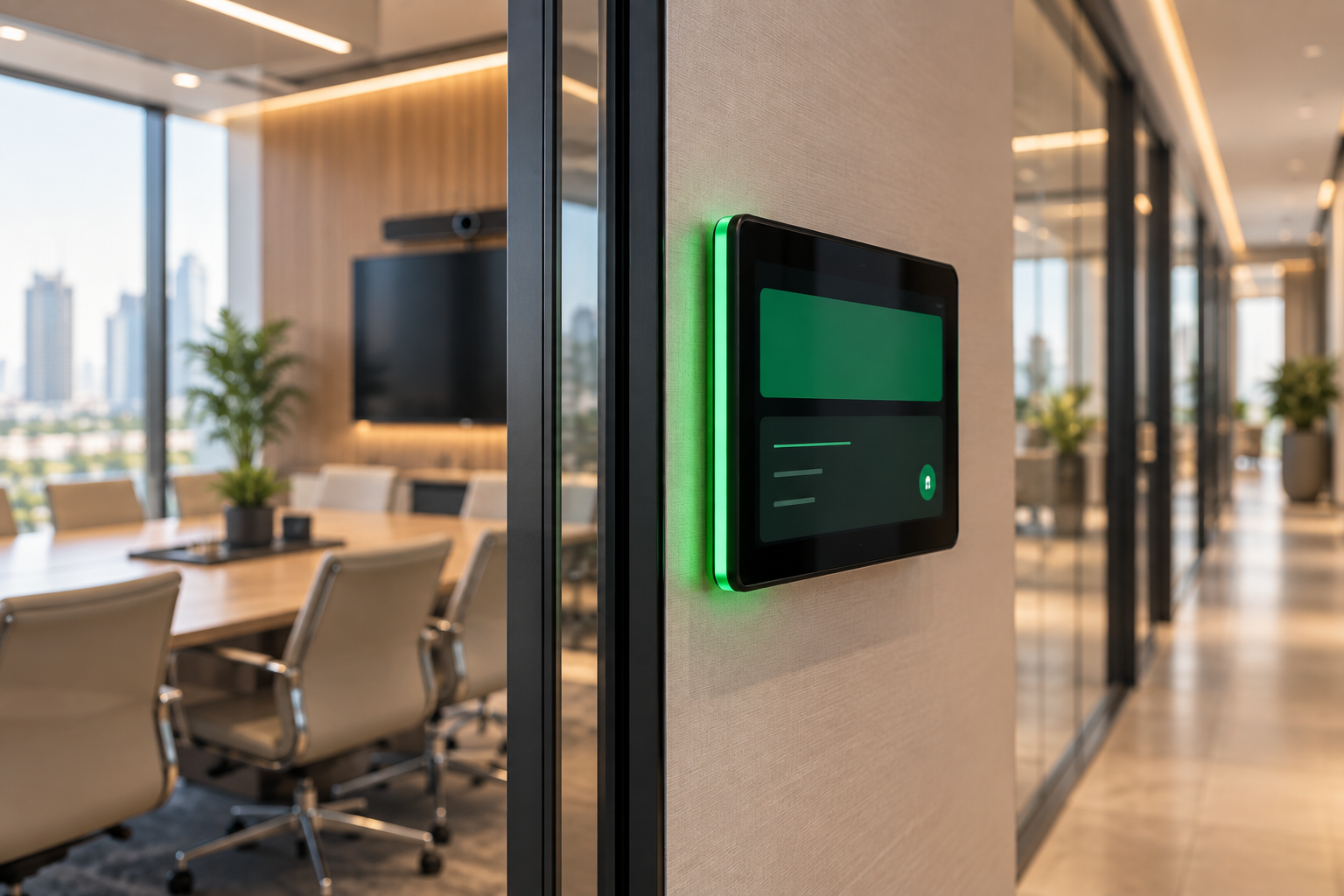
6. Room Booking & Scheduling Displays
Outside-the-room panels showing availability, reducing double-bookings and interrupted meetings.
How Room Size Changes the Spec
- Huddle rooms (2-4 people): All-in-one video bar, single display, minimal control complexity.
- Mid-size meeting rooms (5-10 people): Dedicated camera and mic/speaker system, dual displays optional, one-touch room control.
- Boardrooms (10+ people): Multiple cameras or auto-framing systems, ceiling mic arrays, full AV control system integration.
Getting It Right the First Time
Technobriq designs and installs meeting room AV solutions across Qatar — from single huddle rooms to multi-room office fit-outs — sized correctly for the room and built on certified Teams Rooms and Zoom Rooms hardware.
Frequently Asked Questions
What equipment does a meeting room need for Microsoft Teams or Zoom?
At minimum: a certified camera, microphones and speakers sized to the room, a display, and a room system or compute unit that runs Teams Rooms or Zoom Rooms. Small huddle rooms often use an all-in-one video bar; larger rooms need separate cameras and ceiling or table microphones.
How do I choose the right display size for a meeting room?
Display size is driven by the distance to the farthest seat — text on screen must be readable from the back of the room. A good integrator calculates this during design rather than picking a screen size off a catalogue.
Can we upgrade existing meeting rooms without replacing everything?
Often, yes. Existing displays can usually be kept while conferencing hardware, audio and room control are added around them. A site survey will show what can be reused.
What is a room booking panel?
A small display mounted outside the meeting room that shows whether the room is free or booked, linked to your calendar system. It reduces double bookings and interrupted meetings.
See also: why your office AV setup may be hurting productivity.
Let's make your space better.
Tell us about your project — we'll scope a complete solution.
